NEXORA FIELD NOTESObjects from a near future.VOICE / VISION / SPACE / COMPANIONS
04 CHAPTERS. A WORLD OF POSSIBILITIES.Made for curious minds.
FIELD NOTES / 01Voice & ideas
Good ideas start with a voice.
From a passing thought to something you can return to.
A dedicated recorder gives a conversation a place to live. The microphone captures sound; software can turn that recording into words and then organise those words into something easier to revisit.
The future, in everyday objects.
THE NEXORA JOURNAL 01 / 04
UNDER THE SURFACE
Three steps. Different jobs.
Recording, transcription and summarisation are separate stages. A recording stores the sound itself. Speech recognition estimates the words. A summariser selects and reorganises information. Keeping the original audio gives you something to check when a name, number or nuance matters.
A sound. A signal. A thought worth keeping.
01
Capture
Sound becomes a file
02
Transcribe
Speech becomes text
03
Summarise
Text becomes a useful outline
FIND YOUR FORMAT
Same idea. Different possibilities.
Select a format to explore ↓
01 / Voice & ideas
A dedicated recorder
A physical recording control and a separate device can make capturing a thought more deliberate. Our recorder preview lists 32GB storage; the final transcription service and fees are still being confirmed.
A recording app keeps capture on a device you already carry. Microphone placement, app permissions and interruptions shape the experience. Transcription depends on the app you choose.
A category comparison
03 / Voice & ideas
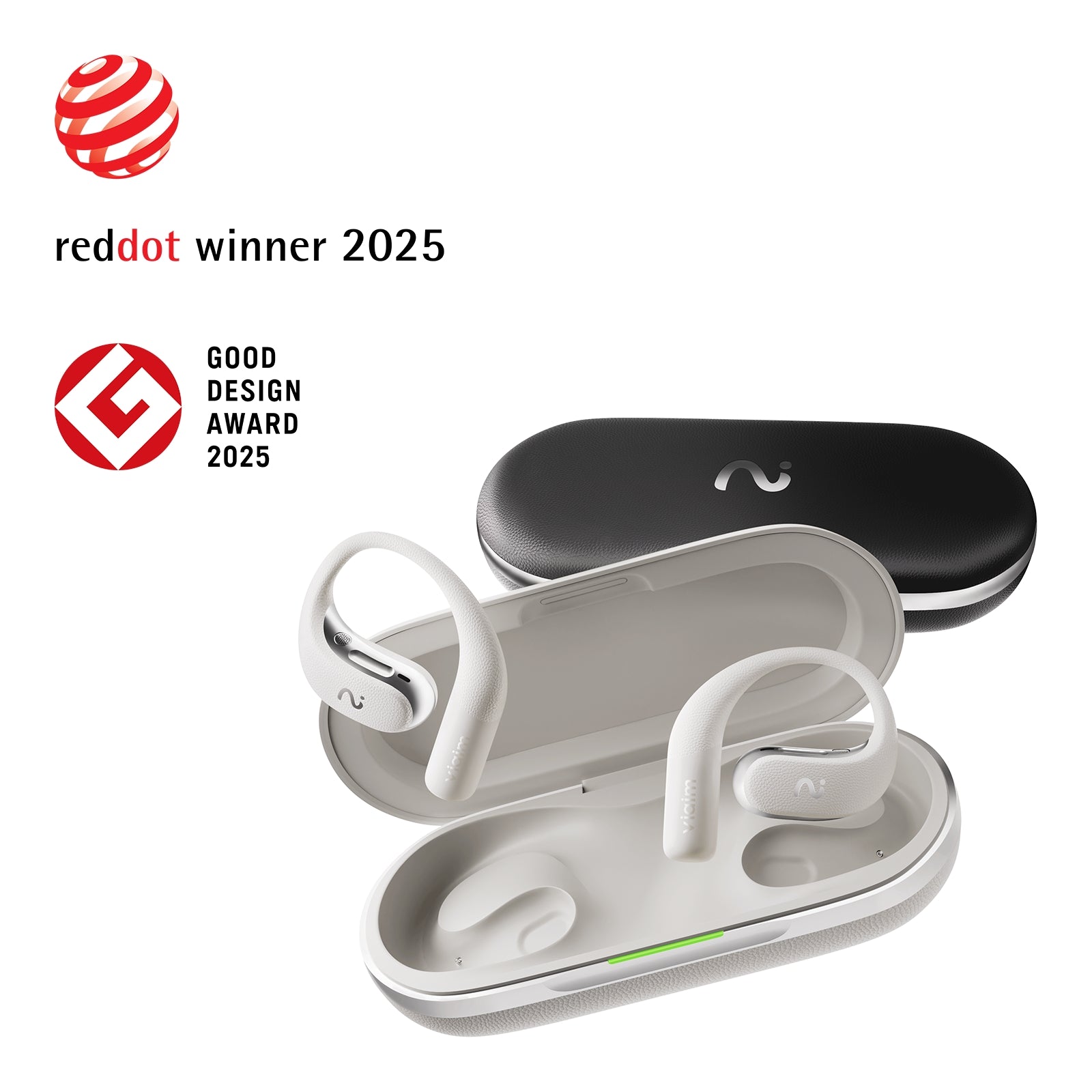
Recording earbuds
Some earbud systems add recording to an audio accessory. Call capture, in-person capture and transcription can follow different workflows. The original recorder showcase explores this format.
Does AI recording mean everything happens on the device?+
No. Audio capture can happen locally while transcription or summaries run through a phone or a cloud service. Languages, processing location, subscriptions and storage depend on the exact product and software package.
The workflow illustration explains the category. It is not a live transcription service.
Sources & further reading
Manufacturer references explain the underlying category; they do not imply that another brand’s services are included with a Nexora product.
Understanding what a display in a pair of glasses can actually do.
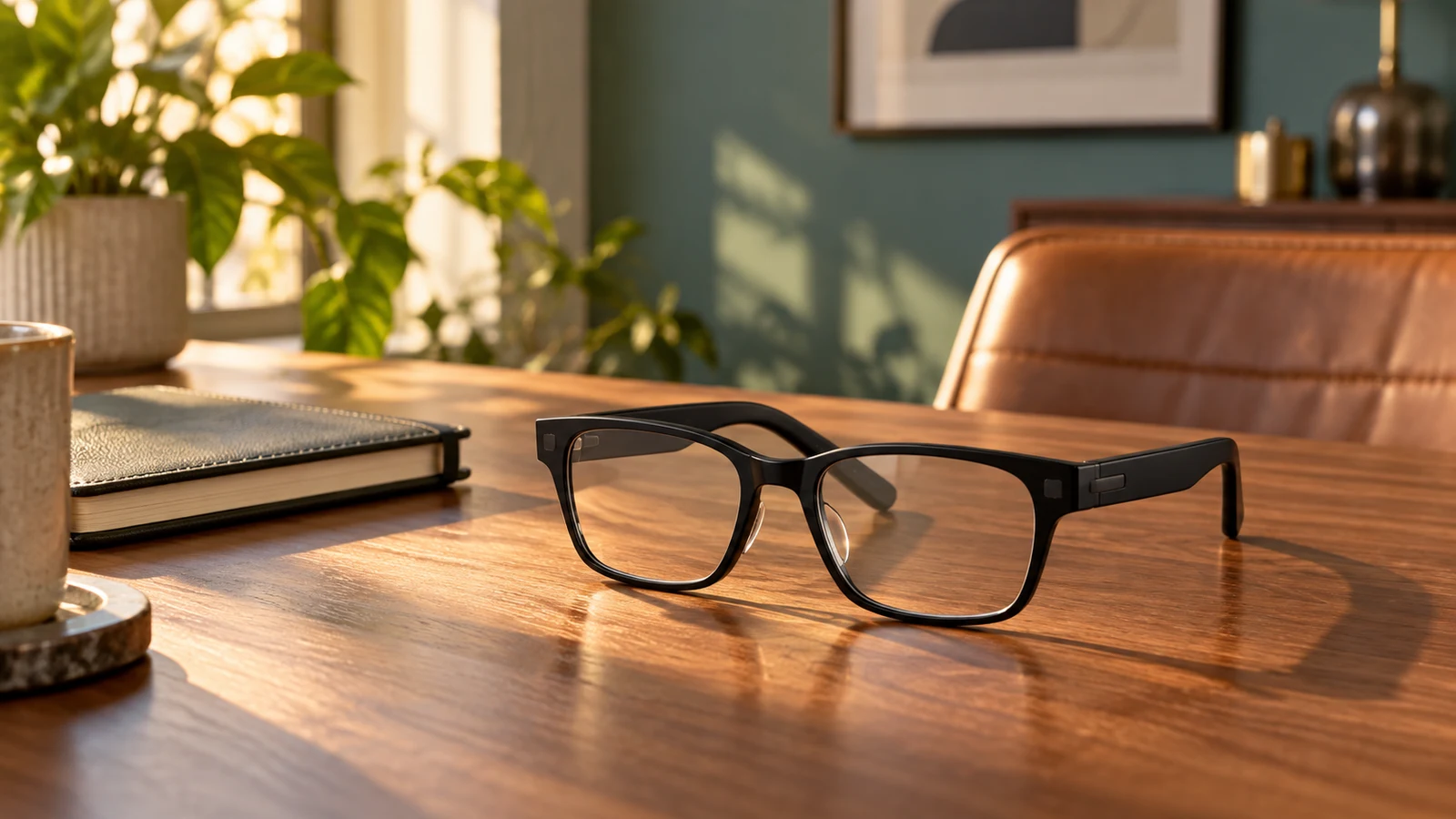
The most interesting interface might be the one that asks for less attention. A tiny display and carefully designed optics can put a short prompt into your field of view while the world around you stays visible.
The future, in everyday objects.
THE NEXORA JOURNAL 02 / 04
UNDER THE SURFACE
Small display. Carefully directed light.
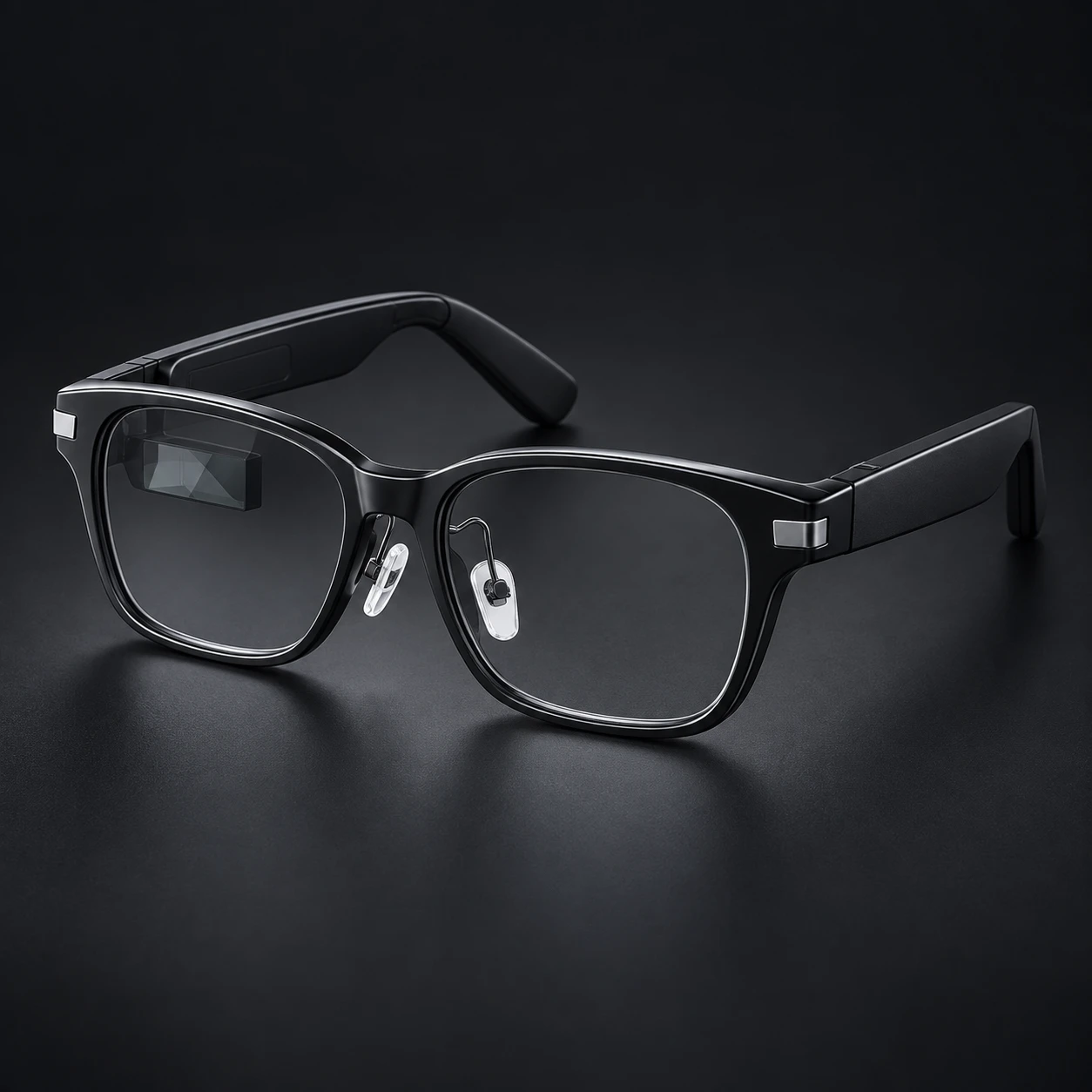
In the AR99 reference platform, a micro-LED light engine works with a waveguide to send a single-green image to the right eye. The glasses connect to a phone over Bluetooth. The hardware presents the information; the paired software determines which information is available.
Light engine → waveguide → eye
01
Micro-LED
Creates the image
02
Waveguide
Directs the light
03
Right eye
Receives the view
FIND YOUR FORMAT
Same idea. Different possibilities.
Select a format to explore ↓
01 / Wearable displays
Information glasses
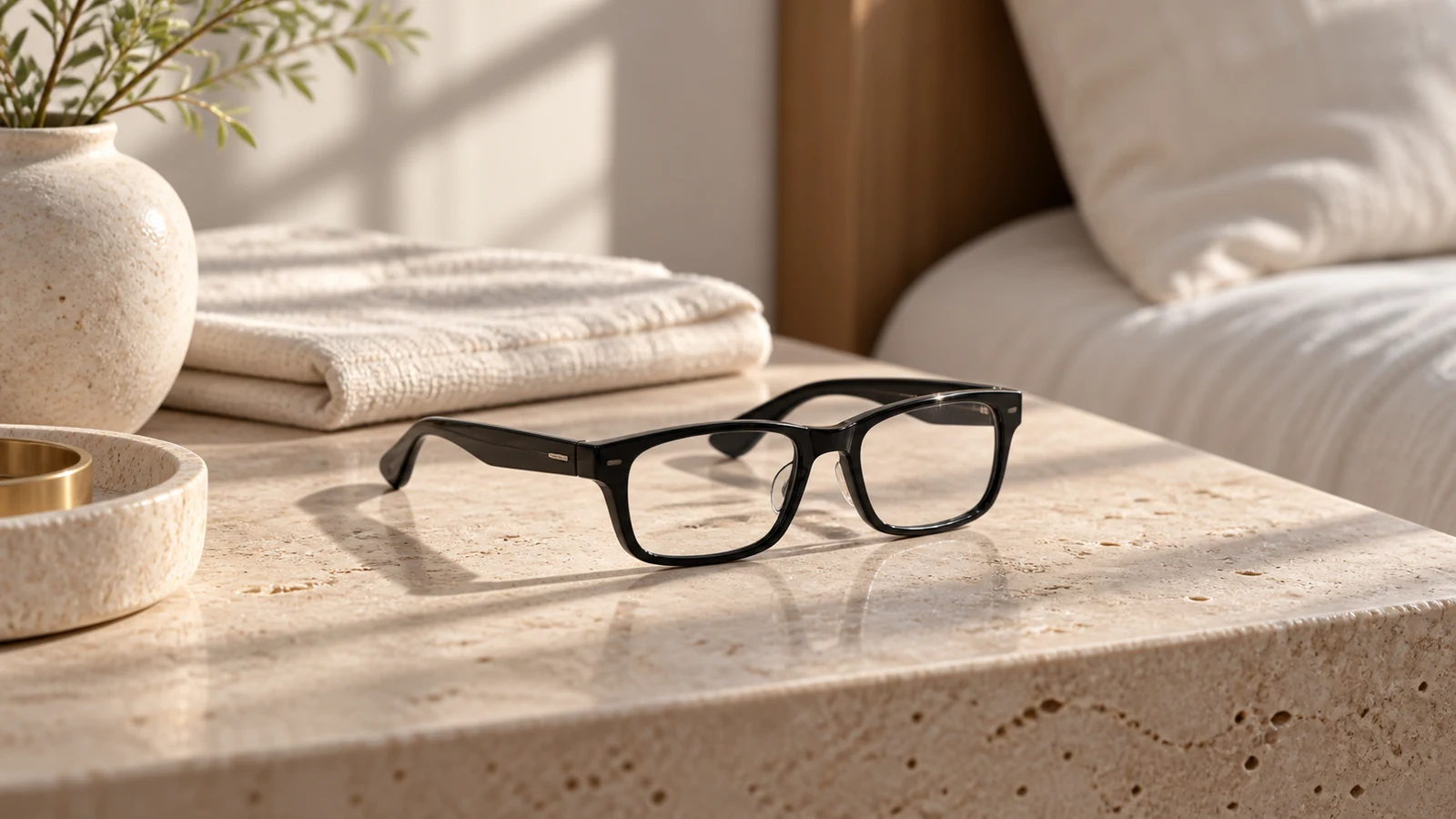
A compact, glanceable interface for short pieces of information. The AR99 reference has a single-green, right-eye display and no camera. App functions and the final Nexora configuration remain under evaluation.
A different category built around watching a virtual screen. Colour, optics and connection requirements vary. A name containing “AR” does not tell you whether a device is for short prompts or full-screen viewing.
Compare the display, not the label
Illustrative category reference
03 / Wearable displays
Spatial headsets
A headset is a more enclosed format for larger digital workspaces and immersive content. Its fit, sensing and interaction requirements are different from a lightweight information display.
A different kind of interface
Can these glasses recognise everything I look at?+
The AR99 reference has no camera. It displays information supplied by a paired phone or supported service. Seeing the outside world through the lens does not mean the device can capture or understand that world.
Illustrations compare display categories. Only AR99 is included in the current Nexora eyewear preview.
Sources & further reading
Manufacturer references explain the underlying category; they do not imply that another brand’s services are included with a Nexora product.
A familiar frame, with an unfamiliar sense of depth.
A picture frame is already a small window onto somewhere else. A multiview display adds another ingredient: different perspectives, directed toward different viewing positions.
The future, in everyday objects.
THE NEXORA JOURNAL 03 / 04
UNDER THE SURFACE
The picture changes with your point of view.
A light-field display presents multiple views of suitable content. As your position changes, you see a different perspective. The impression of depth belongs to the display and its viewing zone. The effect depends on the source content, optics and where you stand.
01
Content
Prepared with depth
02
Multiple views
Different perspectives
03
Viewing zone
Your position matters
FIND YOUR FORMAT
Same idea. Different possibilities.
Select a format to explore ↓
Illustrative category reference
01 / Spatial displays
A digital photo frame
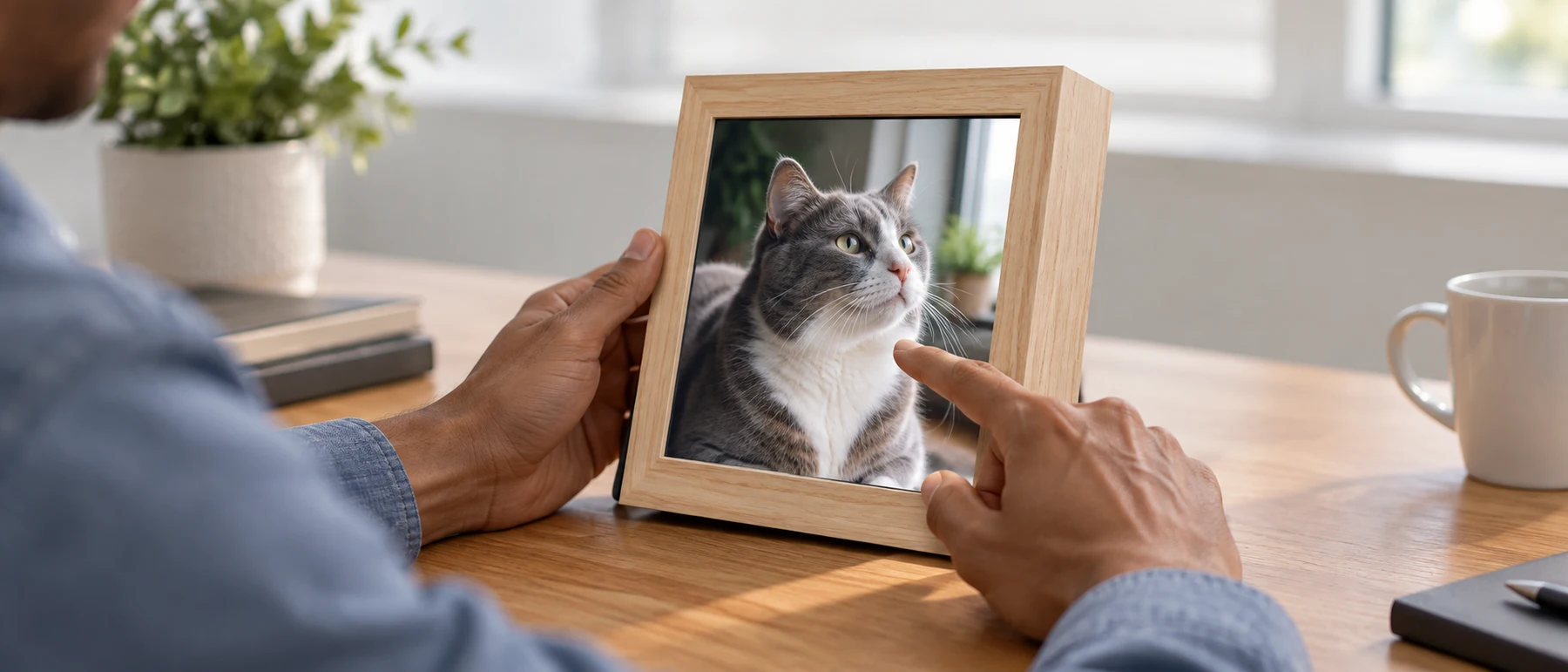
A flat screen shows a single view of a photo or video. It can still make a beautiful object; moving sideways does not reveal another viewpoint in the picture.
The familiar starting point
02 / Spatial displays
A multiview frame
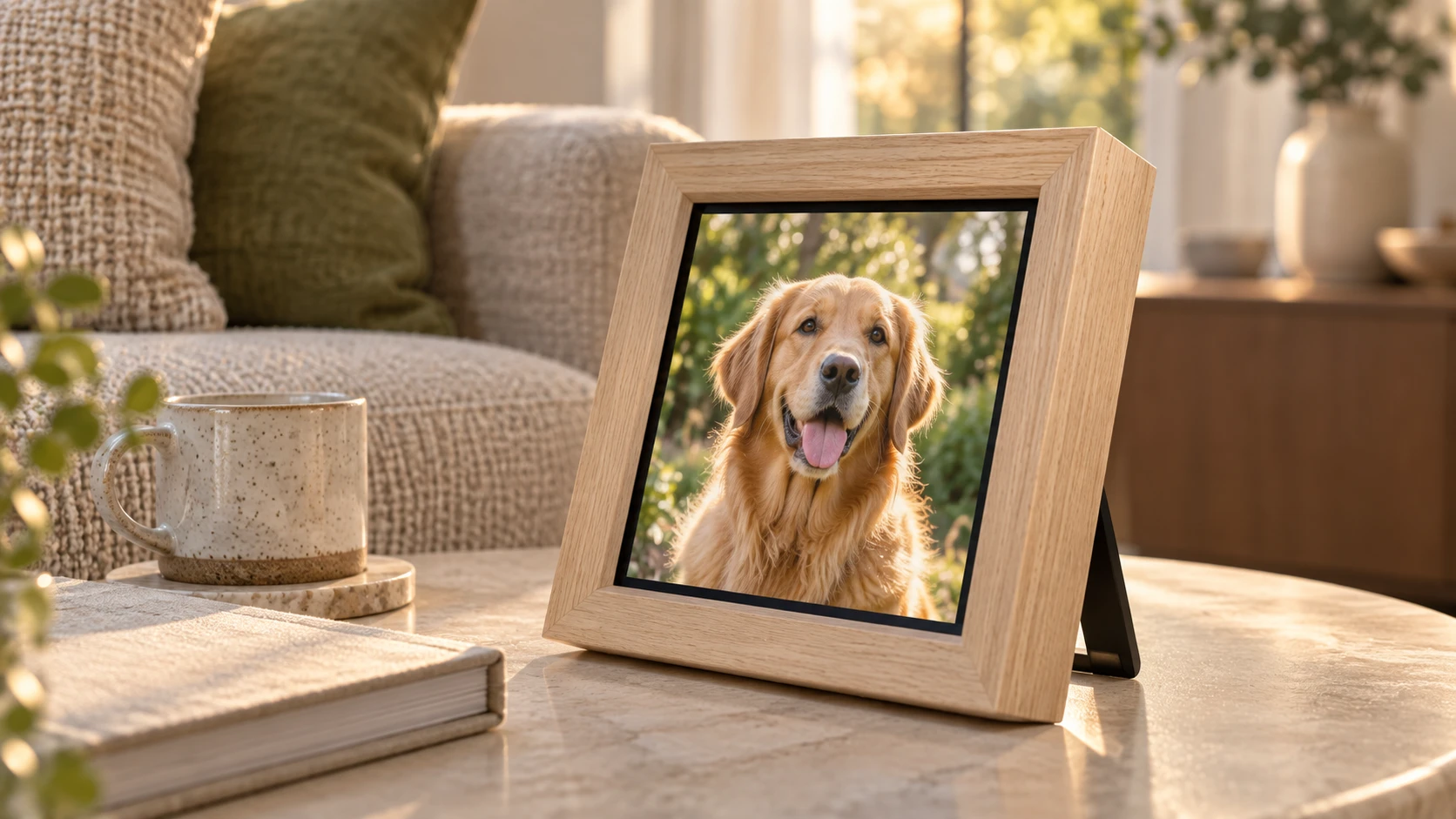
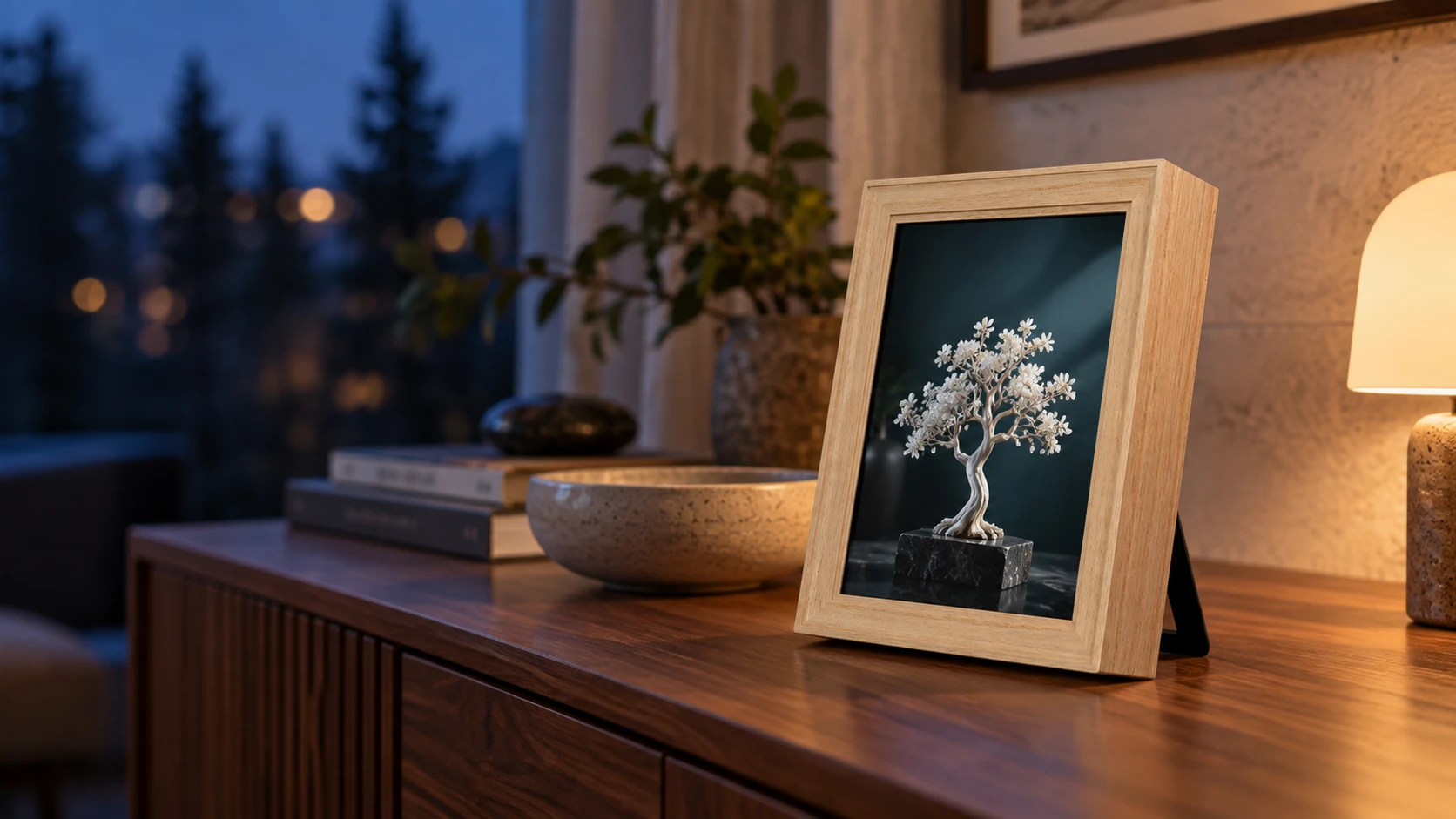
Different views make suitable imagery feel dimensional without glasses. Our Lightfield Frame preview uses a natural-wood enclosure and a 7.9-inch display; content preparation is part of the experience.
Depth-aware photos and rendered 3D scenes provide different kinds of source material. More views alone cannot recover every hidden surface from an ordinary photograph. Content quality matters as much as the frame.
The image is part of the technology
Does the picture float out into the room?+
No. This is a screen-based depth effect. Promotional images sometimes illustrate depth with objects outside a frame, but the hardware still presents its image through the display. The slider below is a schematic of viewing direction, not a simulation of the final hardware.
Move the viewing-angle slider to explore the principle. The diagram is illustrative.
Sources & further reading
Manufacturer references explain the underlying category; they do not imply that another brand’s services are included with a Nexora product.
What makes a moving camera different from a desktop companion?
A face, a voice and a little movement can change how a piece of technology feels. But “companion robot” covers very different objects. Start with its physical job: does it move through a room, stay on your desk, or offer a voice interface?
The future, in everyday objects.
THE NEXORA JOURNAL 04 / 04
UNDER THE SURFACE
Hardware gives personality a place to live.
A mobile home camera combines a view of the room with movement and communication. A desktop companion focuses on nearby interaction: a display, touch input, audio or a cloud conversation service. Animated expressions make an interface approachable; they do not establish that a device has feelings.
⌣
An expressive interface. A physical presence.
01
Sense
Camera, touch or voice
02
Respond
Software and services
03
Express
Movement, sound or a face
FIND YOUR FORMAT
Same idea. Different possibilities.
Select a format to explore ↓
01 / Companion robotics
Mobile companion
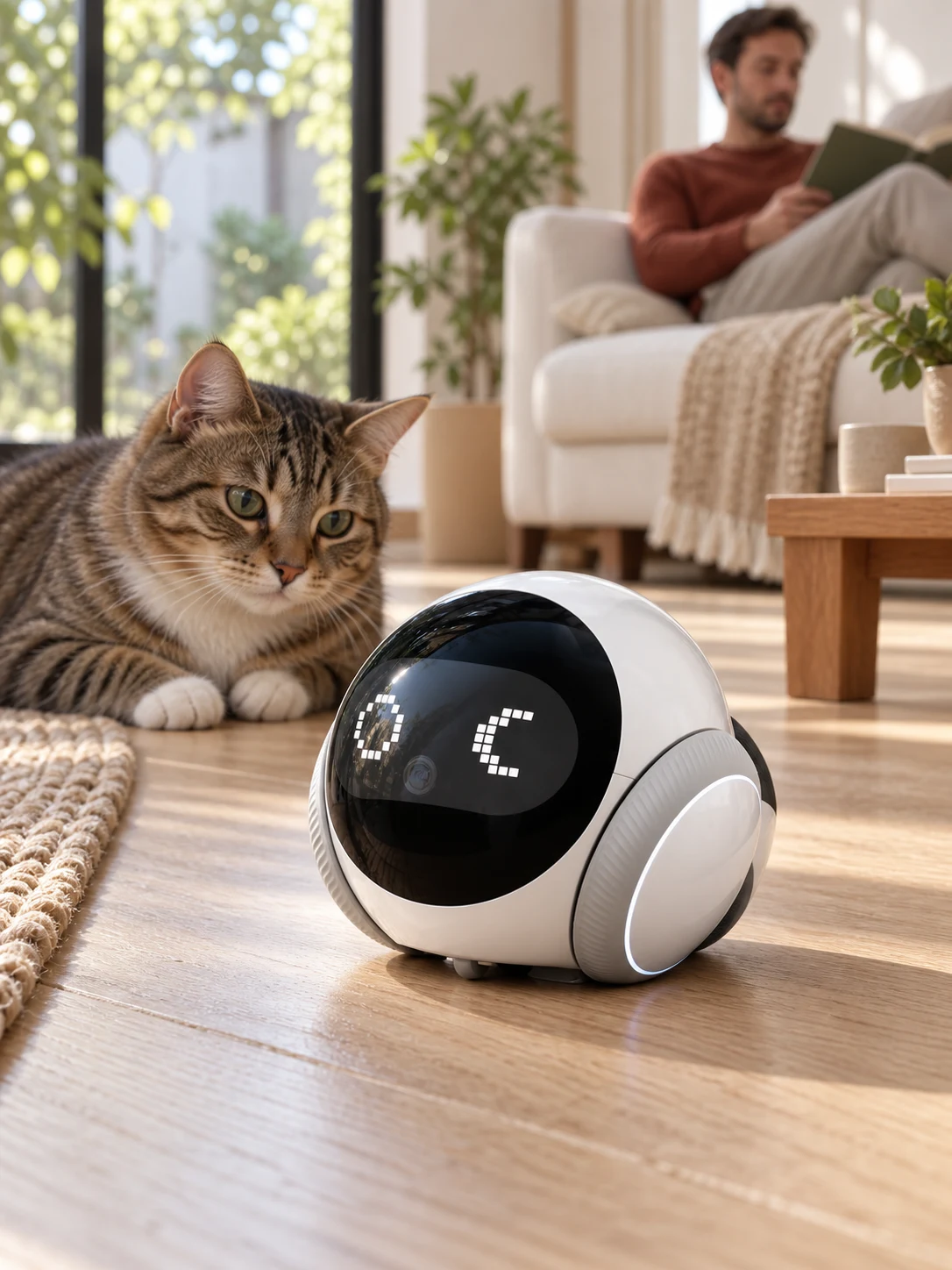
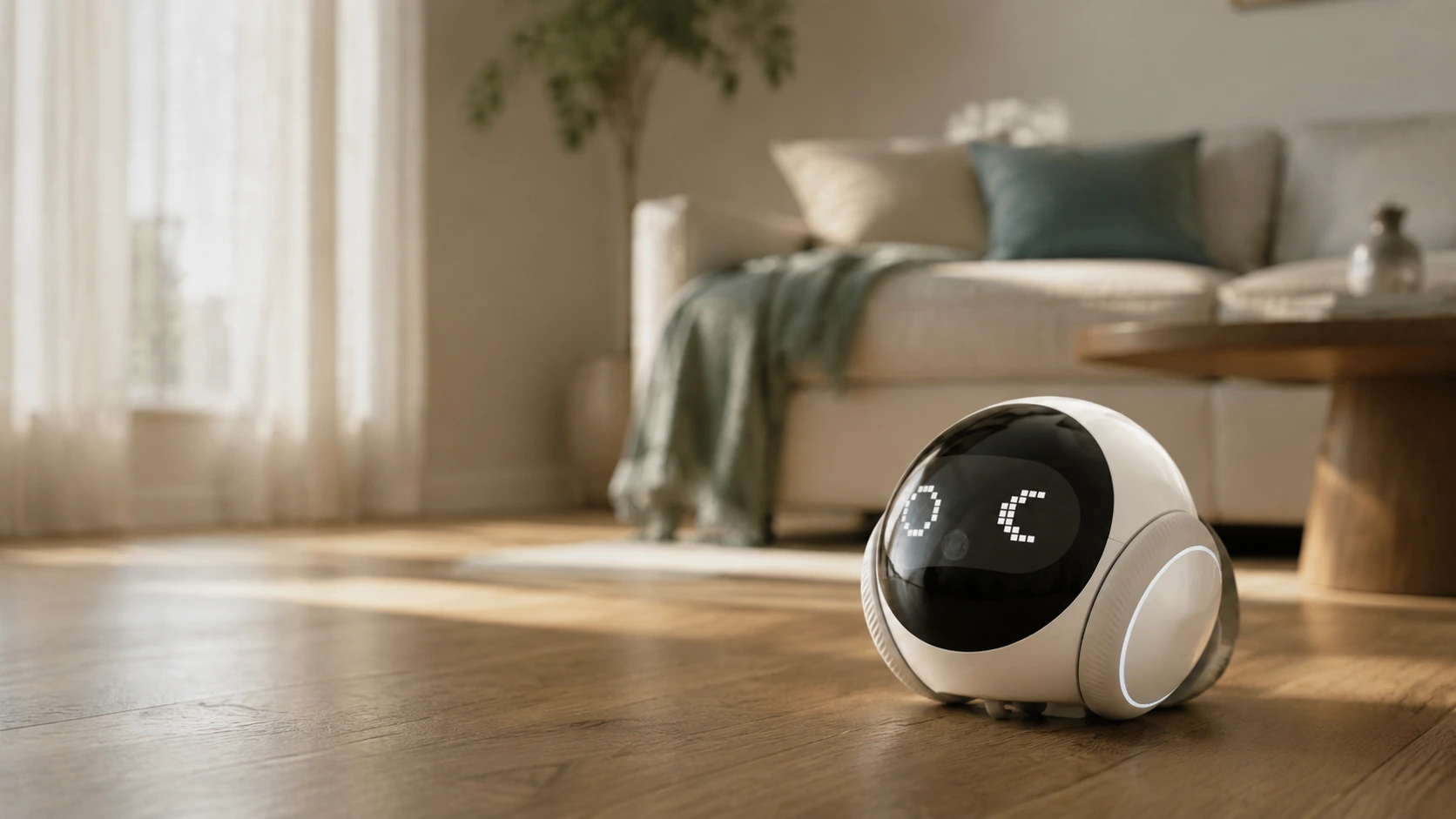
SC-S1 is a compact mobile home-camera platform. Remote viewing and two-way talk make it useful for checking in on a space. Exact connectivity and home conditions determine where it works well.
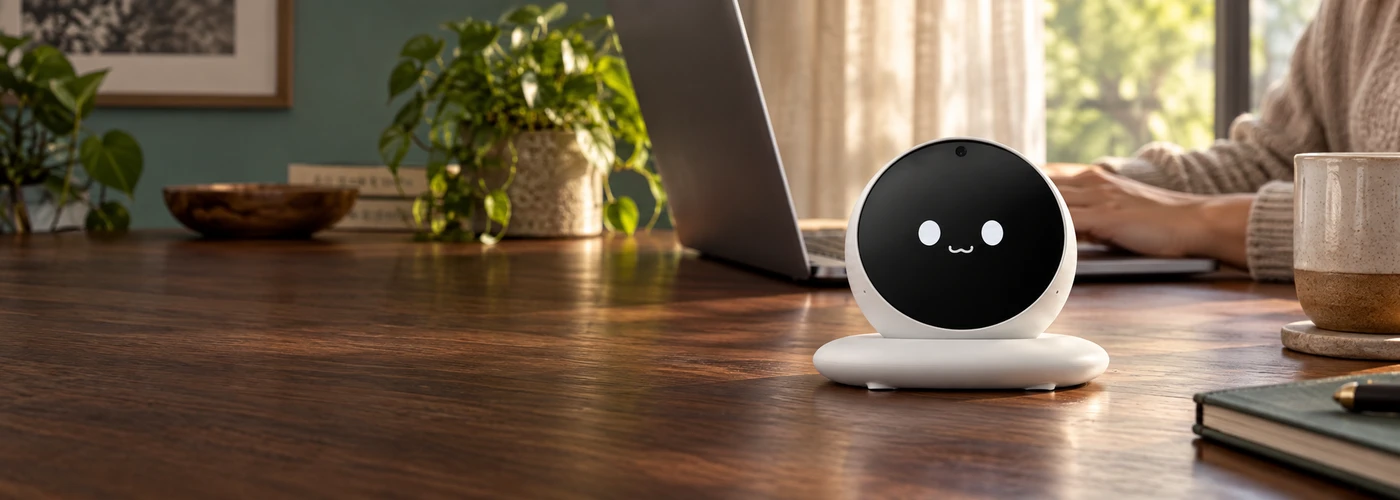
DM03 takes a stationary approach: a small expressive display, a rounded form and supplier-listed touch and voice interaction. Its conversation services require a connection; the final software package is being evaluated.
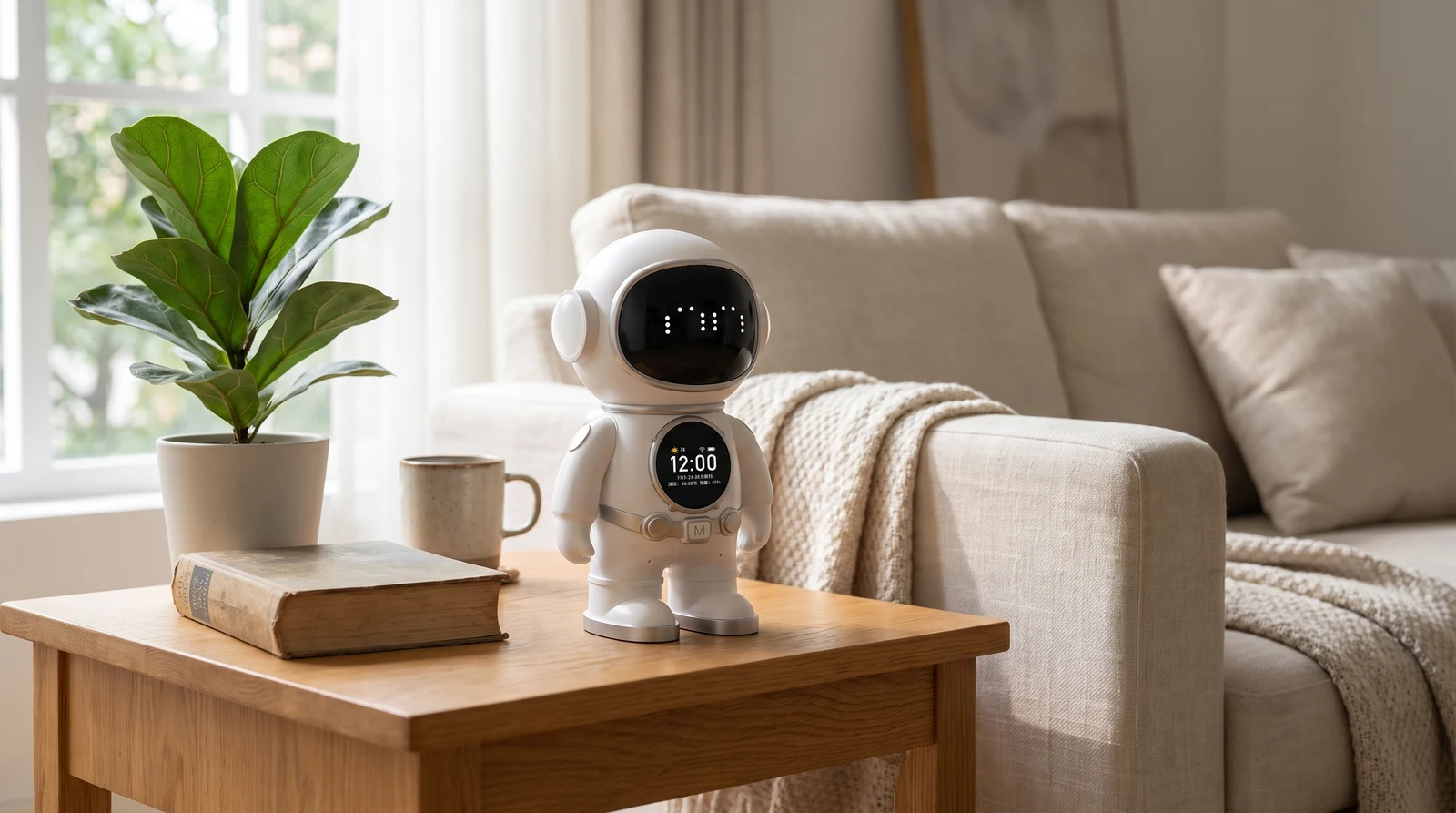
The Astronaut platform makes its personality visible in its shape, LED face and clock display. It stays on a surface rather than walking around a room. Cloud conversation and service terms are being evaluated.
No. Stationary desktop models and mobile camera robots have different hardware. Even movement does not guarantee autonomous mapping or obstacle handling. Check the specific model rather than assuming a capability from its appearance.
Product previews describe supplier platforms. Final services, availability and configurations are listed on the individual product pages.
Sources & further reading
Manufacturer references explain the underlying category; they do not imply that another brand’s services are included with a Nexora product.
 Objects from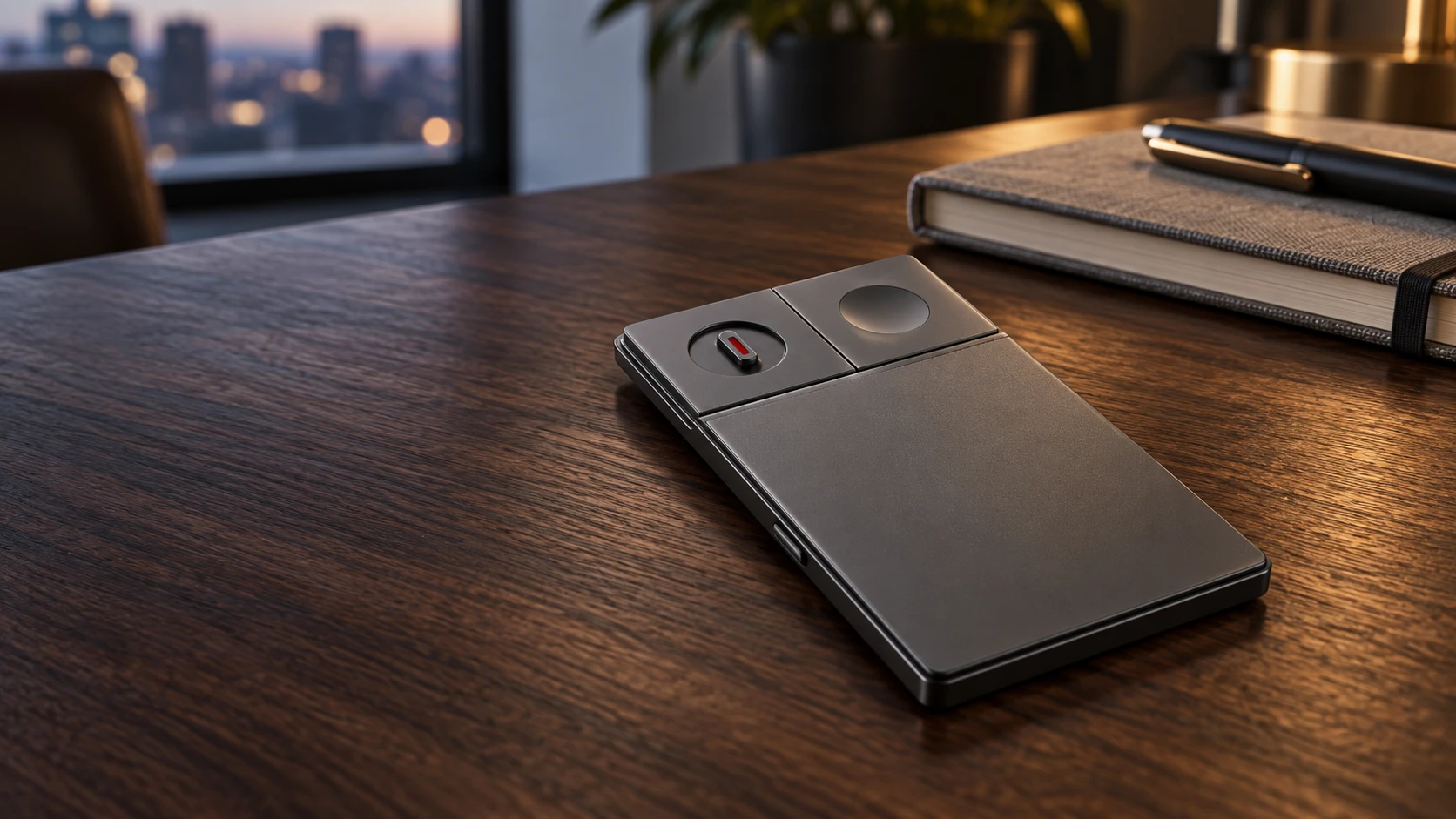
 Illustrative category reference